 2maXBoot
Diskless Windows for
LAN centres and cafes
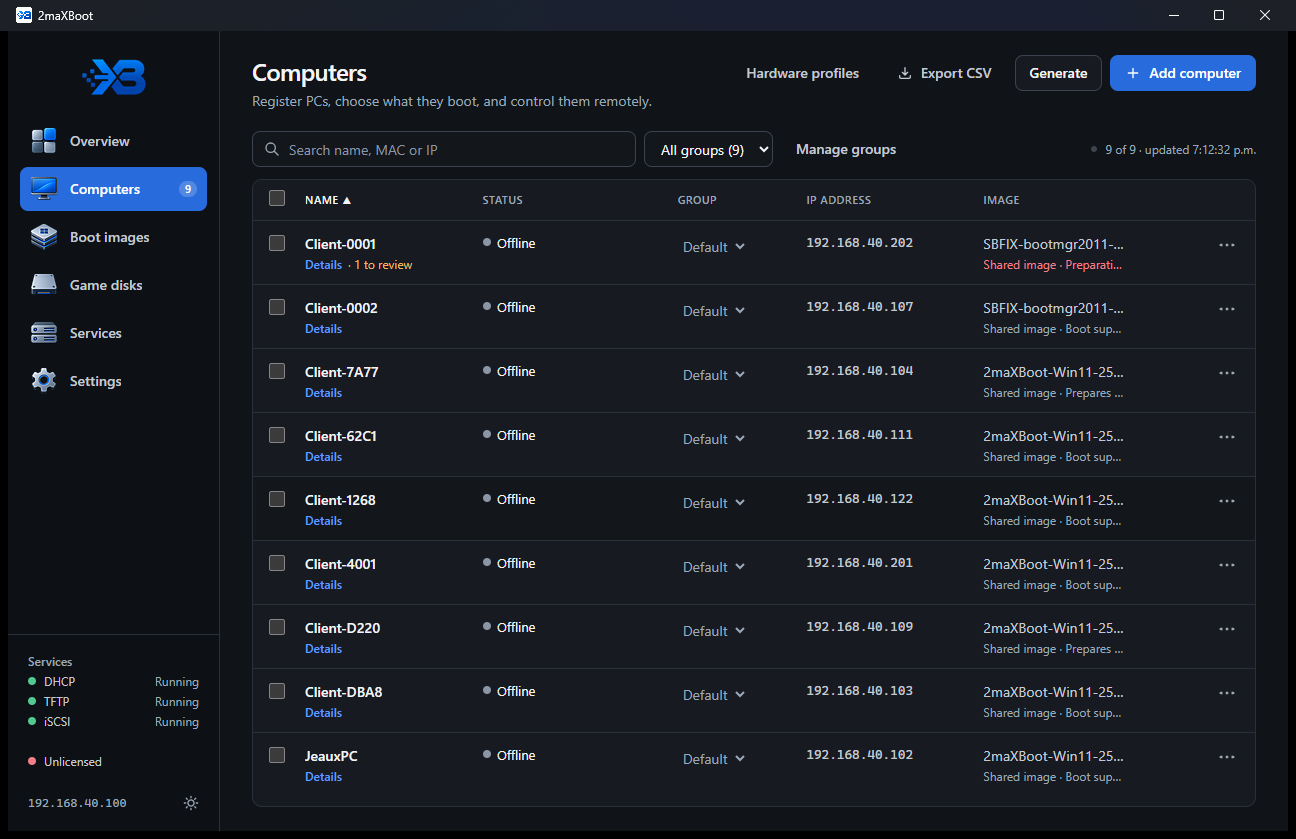
Your PCs boot Windows from one server over the network. Every boot starts clean. Install a game or an update once, and every PC has it on its next boot.
What it does
Built for game rooms. Tested on HP, Lenovo and Acer PCs.
One image for every PC
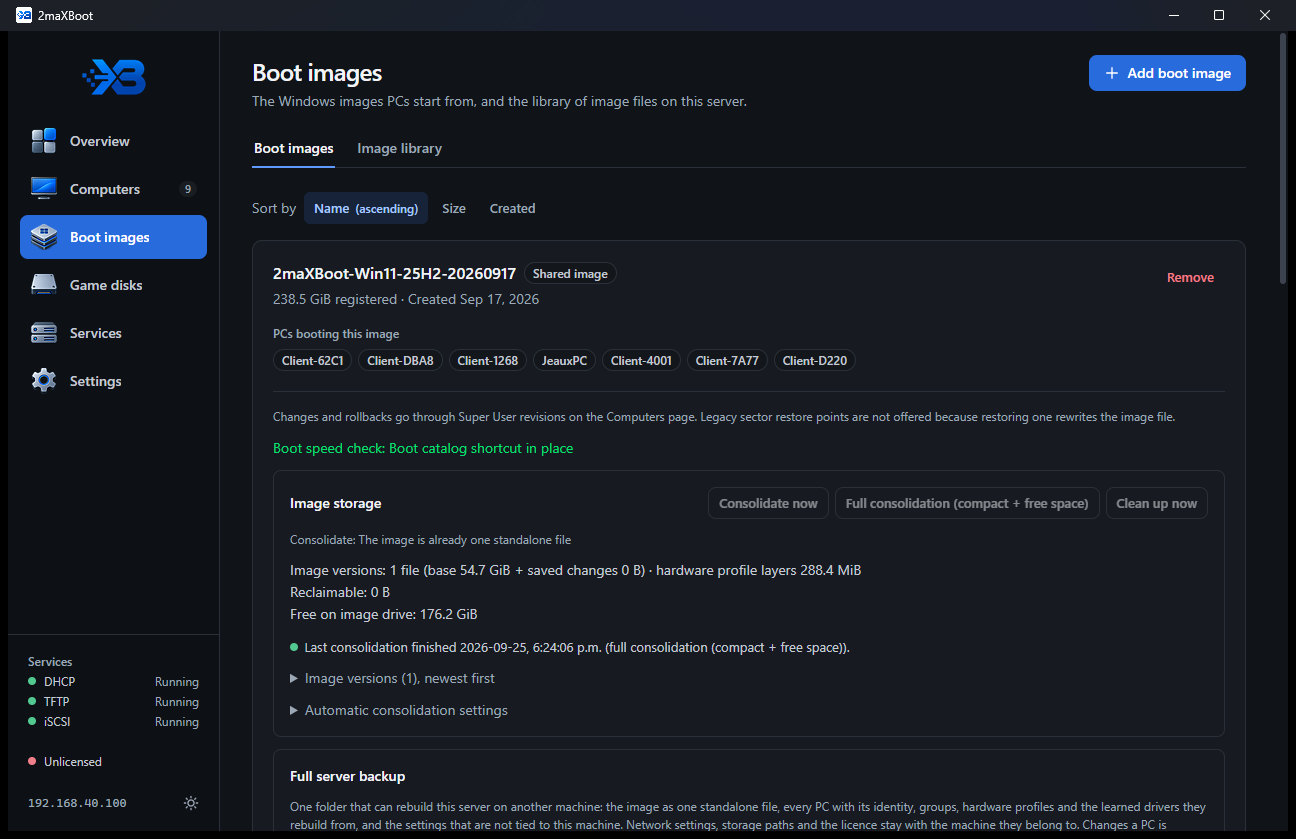
Different hardware boots the same Windows image. New PCs prepare their own drivers on their first boot.
Clean on every boot
Whatever a customer does is gone at the next restart. No reimaging, no cleanup tools.
Super User updates
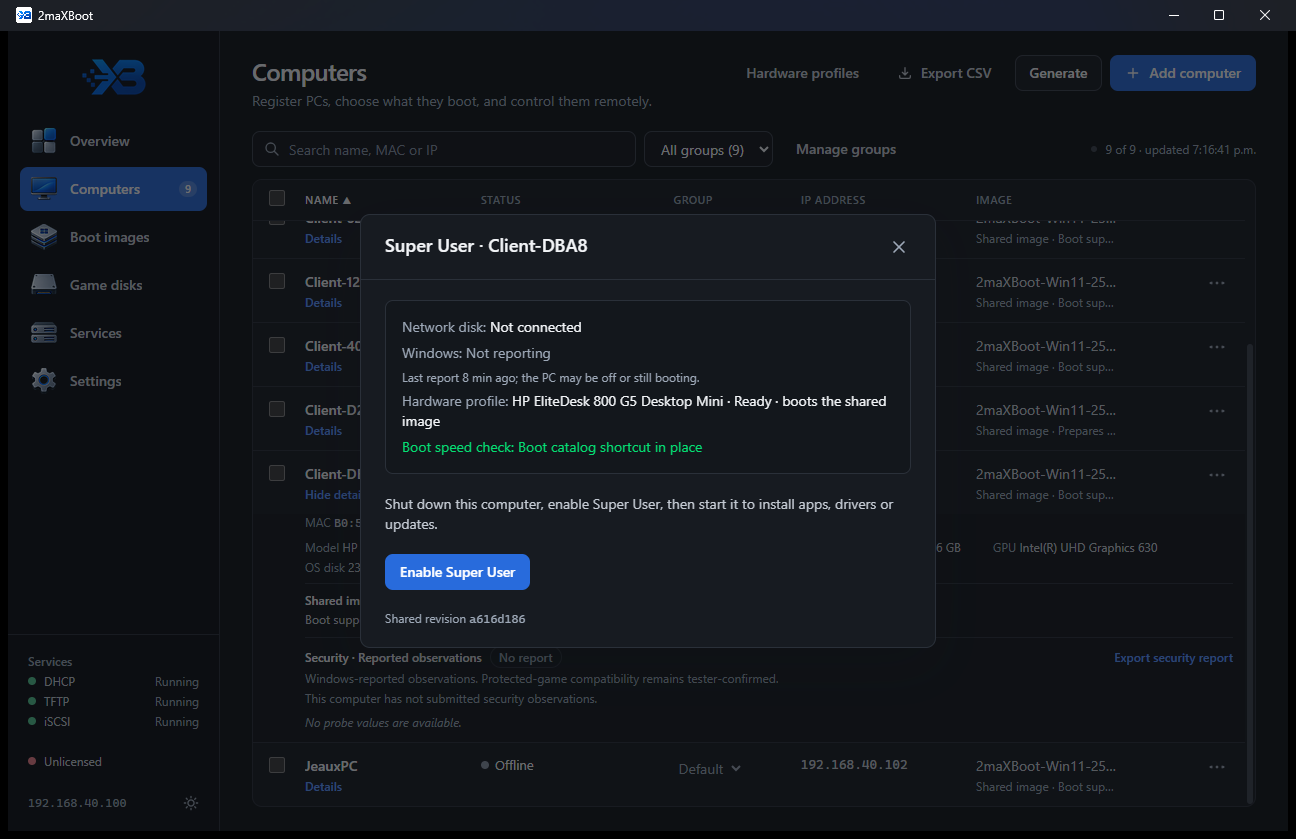
Install software on one PC, press Save, and every PC gets the change on its next boot.
Game disk that stays open
One PC updates games while the others keep playing. They see the update after a reboot.
Secure Boot and TPM
PCs boot through a Microsoft-signed loader, so anti-cheat that needs Secure Boot works.
Fast boots from RAM
The server keeps the image in memory, so PCs starting together don't fight over its disk.
Download
You need both: the server app, and the Windows image your PCs boot.
Server installer 661 MB
Runs on Windows 10/11 or Windows Server 2019+. Includes everything the server needs.
ac0fc687d36c7f3339e1fc07235fcb8ecea0f197d1cb33cbd44f67eb358b91a1Windows 11 image 54.7 GB
Windows 11 25H2, ready for network boot. Save it on your server's image drive.
c6ca9b936a0a24d5b03607a4adde6b2b90ad5a2b015c904b44f594d7a7f91f00Full instructions: BETA-README.md
Get started
About 20 minutes, plus the image download.
- Install the server appWindows may say "Windows protected your PC". Click More info, then Run anyway.
- Follow the setup checklistThe Overview page walks you through the boot network, storage and firewall.
- Add the Windows imageBoot images > Add boot image, then pick the .vhd you downloaded.
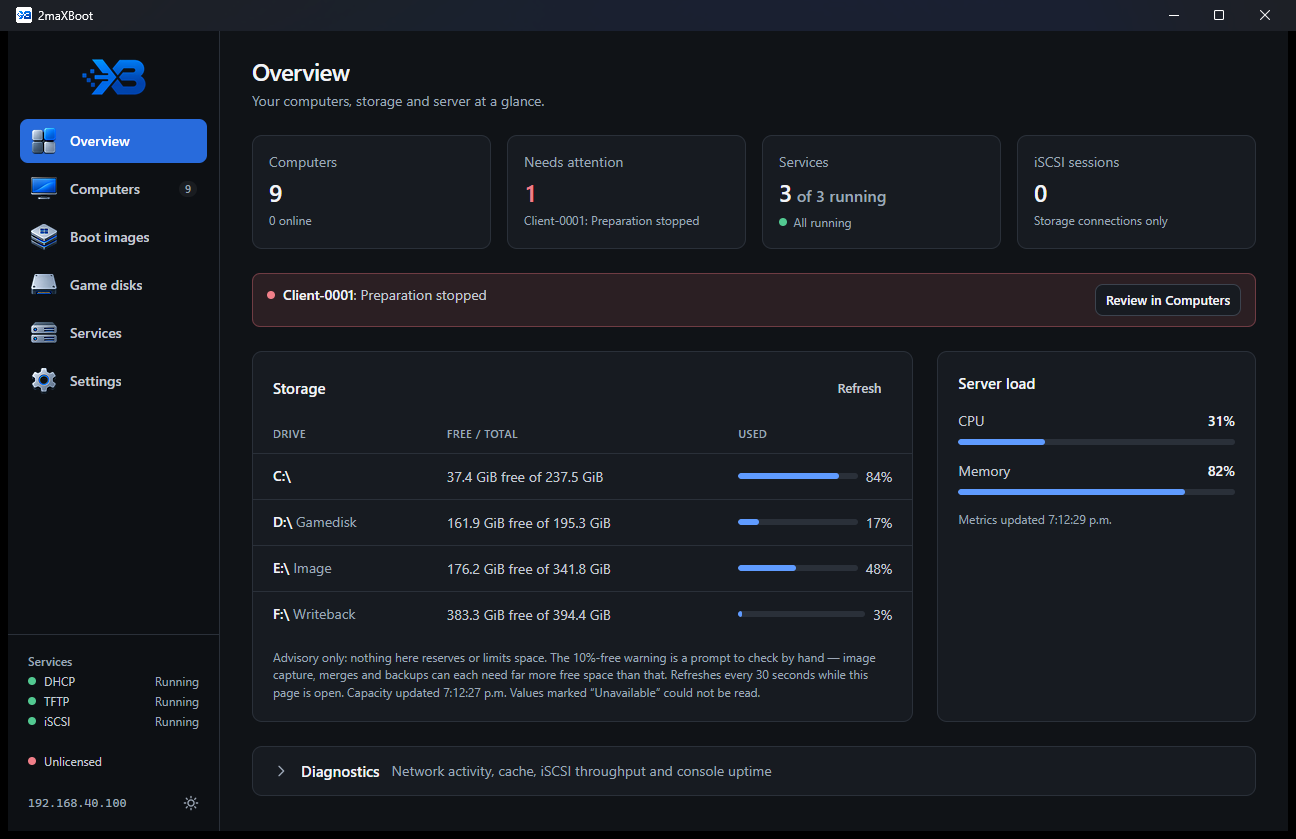
- Boot your PCs from the networkTurn on network (PXE) boot in each PC's BIOS. It shows up under Computers.
Screenshots
Click to enlarge.
Requirements
- Server: Windows 10/11 or Server 2019+, 16 GB RAM or more, an SSD for the image.
- Network: wired Gigabit, on a network with no other DHCP server.
- PCs: UEFI with network (PXE) boot on. Wi-Fi does not work.